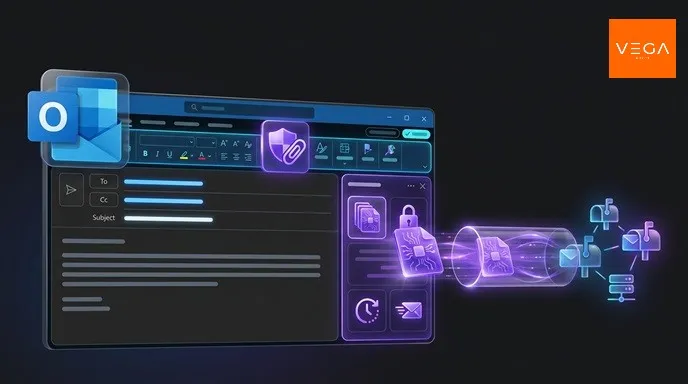
When sharing confidential documents, API keys, or media files with regular collaborators, generating and exchanging one-time passwords for every individual link creates unnecessary friction.
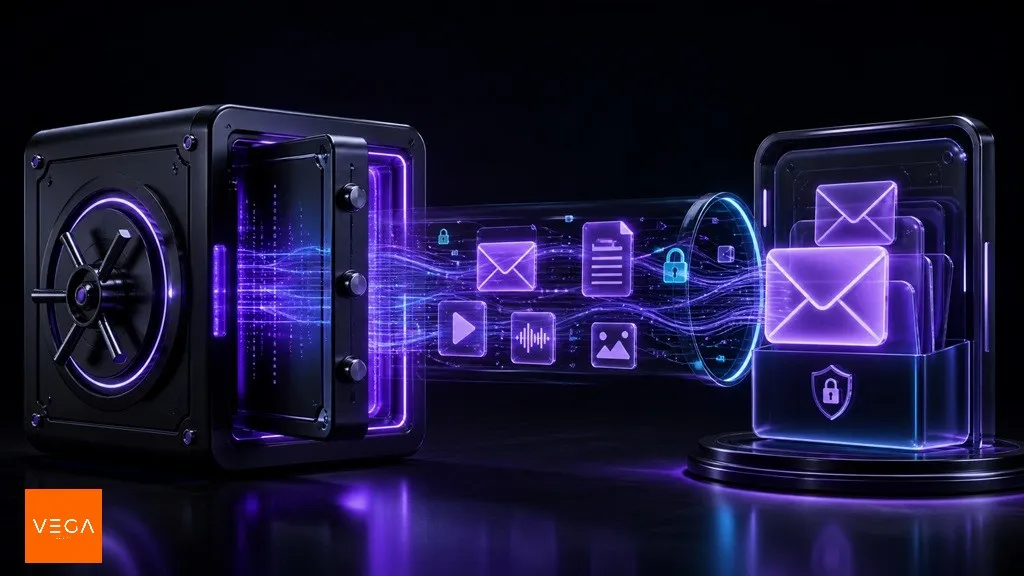
VegaCrypt Vault solves this with seamless end-to-end encrypted sharing, delivered straight into your Encrypted Inbox.
Vault is VegaCrypt's persistent end-to-end encryption mode. Using your personal Encryption Master Password (EMP), files and messages are encrypted with the recipient's public key client-side. The encrypted payloads land automatically in the recipient's private Encrypted Inbox.
How Vault Secures Your Communication
1. Encryption Master Password (EMP)
Your EMP is completely distinct from your account login credentials. It is derived locally on your device to create private cryptographic keys. VegaCrypt servers never receive, store, or transmit your EMP.
2. True Zero-Knowledge Storage
Before any payload leaves your browser, it is encrypted using the recipient’s public key. VegaCrypt stores only high-entropy ciphertext blobs. Even in the event of an infrastructure breach, your raw data remains mathematically locked.
Step-by-Step: Sending with Vault
Select Vault Encryption Mode
Create a new drop on VegaCrypt and choose Vault as your encryption method.
Enter Recipient Email
VegaCrypt verifies whether the recipient has an active EMP set up before client-side encryption begins.
Client-Side Asymmetric Encryption
Your browser encrypts the file in memory using the recipient's public key, then dispatches the ciphertext blob.
Delivery to Encrypted Inbox
The recipient is notified and unlocks the payload directly inside their Encrypted Inbox using their private EMP.
Choosing the Right VegaCrypt Mode
| VegaCrypt Mode | Best For | Authentication Primitive | Account Required? |
|---|---|---|---|
| Vault | Frequent collaborators & internal teams | Personal EMP (End-to-End Asymmetric) | ✅ Yes (Both parties) |
| Link Password | Ad-hoc & anonymous one-off sharing | Password in URL hash (Zero-knowledge client side) | ❌ No account needed |
| Email Verification | External clients & corporate audits | One-time email link verification | ❌ No account needed |
💡 Best Practice Recommendation
Use Vault for regular team collaborations and sensitive recurring workflows. Combine it with self-destruct timers (e.g. 24 hours) for maximum operational security.
VegaCrypt Team
Architecture & CryptographyPublished by the VegaCrypt Engineering and Security group. Dedicated to zero-knowledge privacy protocols, client-side encryption, and secure file transfer standards.