Microsoft Outlook is the global standard for business communication. But sensitive files attached directly to routine email threads frequently linger on email servers long after the conversation ends — unencrypted, vulnerable, and permanently exposed.
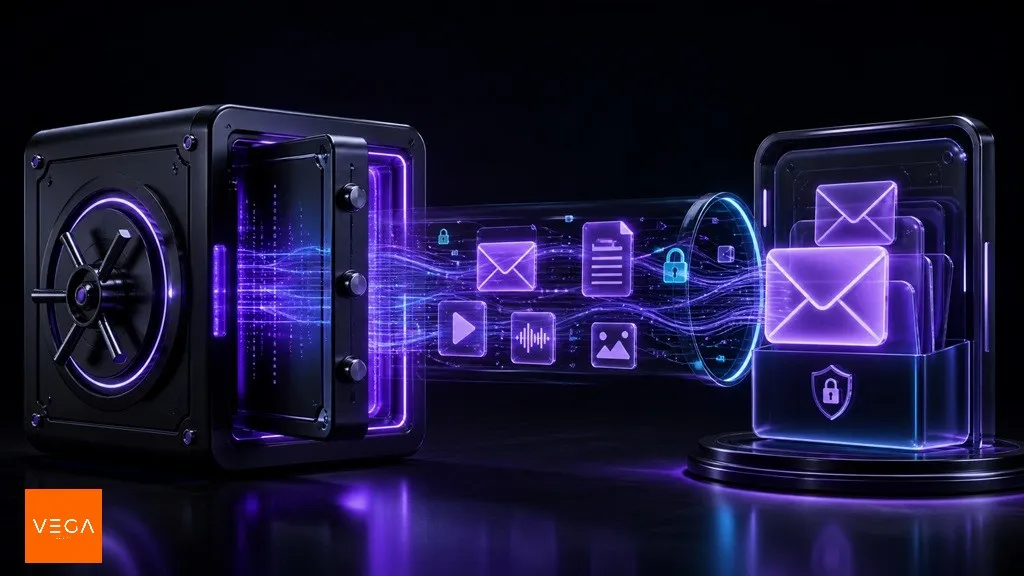
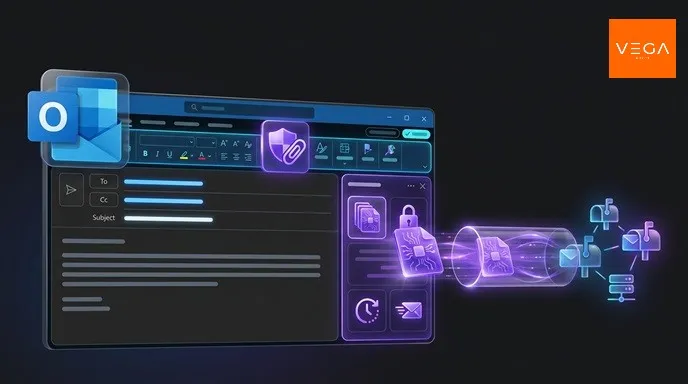
VegaCrypt Secure Attach seamlessly bridges your existing Outlook workflow with zero-knowledge encrypted drops. Keep composing messages in Outlook as usual, while your files travel with client-side encryption, self-destruct timers, and granular access controls.
The Core Problem with Regular Attachments
When you attach a PDF, contract, or spreadsheet to an email:
- The raw file is uploaded in plaintext to Microsoft 365 / Exchange servers.
- It is replicated across all recipient inboxes and archived on backup tapes.
- If any recipient account is breached, your confidential attachment is exposed forever.
The Solution: Separate the conversation from the file transfer. Outlook handles the message text, while VegaCrypt handles the encrypted payload and its lifecycle.
How It Works: 5-Step Workflow
Open Secure Attach in Outlook
Compose your message in Outlook and click Secure Attach from the top ribbon.
Select Files & Payload
Pick your confidential files in the add-in panel. Files are encrypted client-side in Outlook memory before upload.
Target Authorized Recipients
Choose which email addresses (from To, Cc, or Bcc) have permission to unlock the payload.
Configure Expiration & Burn Rules
Set auto-expiration (e.g. 24 hours), single-download limit ("Burn on Read"), and read notifications.
Send as Normal
Hit Send. The recipient opens the protected VegaCrypt link, verifies access, and decrypts the file directly in their browser.
Dual-Key Link Encryption
Secure Attach utilizes Dual-Key Link Architecture:
- Client-Side Encryption: Files are encrypted inside Outlook before reaching the network.
- Zero-Knowledge Principle: VegaCrypt never holds the full decryption key.
- No Friction for External Partners: Recipients do not need specialized software or pre-configured accounts — access requires only the secure link plus email one-time verification.
🏢 Enterprise Deployment via Microsoft 365
IT administrators can deploy the VegaCrypt Secure Attach add-in organization-wide via the Microsoft 365 Admin Center in minutes. Individual users can also install it directly from the VegaCrypt Resources portal.
Summary
With VegaCrypt Secure Attach, your team gains enterprise-grade data protection without leaving their favorite email client. Protect contracts, client records, and intellectual property with zero added friction.
VegaCrypt Team
Product & SecurityPublished by the VegaCrypt Engineering and Security group. Dedicated to zero-knowledge privacy protocols, client-side encryption, and secure file transfer standards.